AI Animate Image to Video Online — Prompt Controlled
AI-animate a picture with a prompt to guide motion, then render a video in seconds. Simple controls and fast generation—use it online anytime.
Drop a file or click to browse
Max 2 MB for free users, 12 MB for Basic, 20 MB for Pro
Video model
Advanced models tuned for the best visual quality.
Prompt
Describe the motion or scene you want to create
Aspect ratio
Match the channel where your clip will ship.
Duration
Keep loops to 5 seconds for quick promos; choose longer clips where supported by the model.
Export resolution
Pick any resolution your selected model supports.
From still photos to living motion
The animator preserves your original framing and adds parallax depth, so exports are ready to use as short clips for social media and landing pages.
Explore related tools
Connect AI Image Animator with other visual tools to build a complete image-to-video workflow.
What is AI Image Animator?
AI Image Animator is a browser-based image-to-video tool that turns a single still image into a short motion clip. Upload a picture, pick an image-to-video model, choose aspect ratio and duration, optionally add a prompt for motion/style, and download an MP4 in seconds to a couple of minutes.
AI Image Animator is a browser-based image-to-video tool that turns a single still image into a short motion clip. Upload a picture, pick an image-to-video model, choose aspect ratio and duration, optionally add a prompt for motion/style, and download an MP4 in seconds to a couple of minutes.
Built for teams and creators that rely on static visuals and just want them to move—without heavy video software: • Marketing & growth: turn campaign key visuals and thumbnails into vertical shorts for ads, social posts, and CRM. • Ecommerce & product: animate product shots for PDPs, landing pages, and launch campaigns without reshoots. • Creators & agencies: repurpose posters, cover art, illustrations, and fan art into scroll-stopping clips. • Education & explainers: add subtle motion to diagrams and slides so complex ideas are easier to remember.
Under the hood, AI Image Animator connects to modern image-to-video models via a unified gateway. These depth-aware motion models read the scene, estimate depth and movement, and generate new frames so the camera feels like it moves through the image instead of sliding a flat layer.
Key capabilities: • Prompt-controlled motion: describe the camera move and style in plain language (e.g., “subtle push-in, cinematic look”). • Flexible aspect ratios: square, vertical, and landscape outputs for feeds, stories, shorts, and hero banners. • Motion and quality presets: set motion strength, clip length, and export resolution (fast 720p previews; crisp 1080p finals). • Credit-based usage control: see expected credits before you generate, keeping AI image-to-video budgets predictable.
How to animate a still image
A three-step workflow tested with marketing and creative operations teams.
Upload your still and set the frame
Drag & drop a photo or paste an image URL. Supports JPG, PNG, WEBP up to 20 MB per file. Choose the aspect ratio that matches your channel (9:16, 16:9, or 1:1) and adjust the crop instantly.
Pick a model, prompt, and quality
Select an image-to-video model, then either keep the default presets or add your own prompt (e.g., “subtle push-in, soft depth of field, cinematic lighting”) and fine-tune: - Aspect ratio - Duration - Motion strength - Export resolution (fast 720p previews; crisp 1080p finals).
Render, review, and share
Hit Generate to queue the job. Most clips render in seconds to a couple of minutes. Preview the loop, then download as MP4 or share it instantly to social media, friends, or teammates.
Why teams choose AI Image Animator
Ship consistent motion assets without wrestling with complex 3D software.
Fast, predictable results
Most image-to-video renders finish in about 60-90 seconds, and Pro members jump into a priority queue when things get busy.
Simple controls, smart defaults
Just upload an image and hit generate. The default presets work out of the box, so anyone can animate a still with almost no learning curve.
Quality that fits your channel
Check ideas quickly with 720p previews, then switch to 1080p and longer clips plans when you’re ready to publish.
Private by design
Uploads are encrypted at rest and purged on a fixed retention schedule, so your image and video assets stay under your control.
Template-ready outputs
Reuse settings from your own history or start from proven campaign cases to quickly recreate styles that already work.
Keeps the important details sharp
Face-aware motion and framing help preserve key elements like portraits, product labels, and logos, so your brand and message stay clear.
Motion campaigns shipped with AI Image Animator
Steal ready-to-run flows from creative teams using AI image-to-video every day.
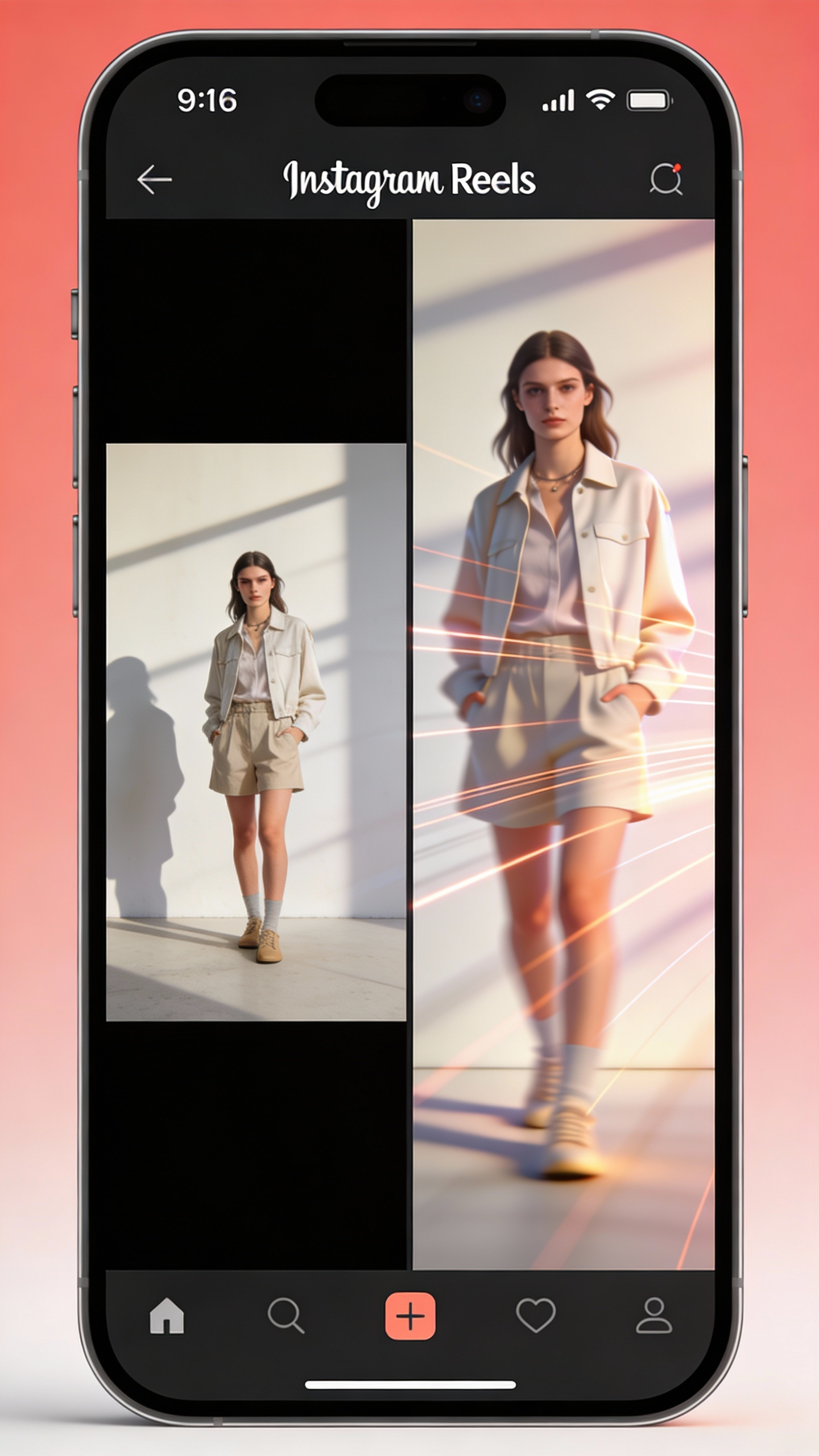
Social clip — Vertical short videos
9:16 loops for Reels, Shorts & TikTok. Boost watch time and completion.
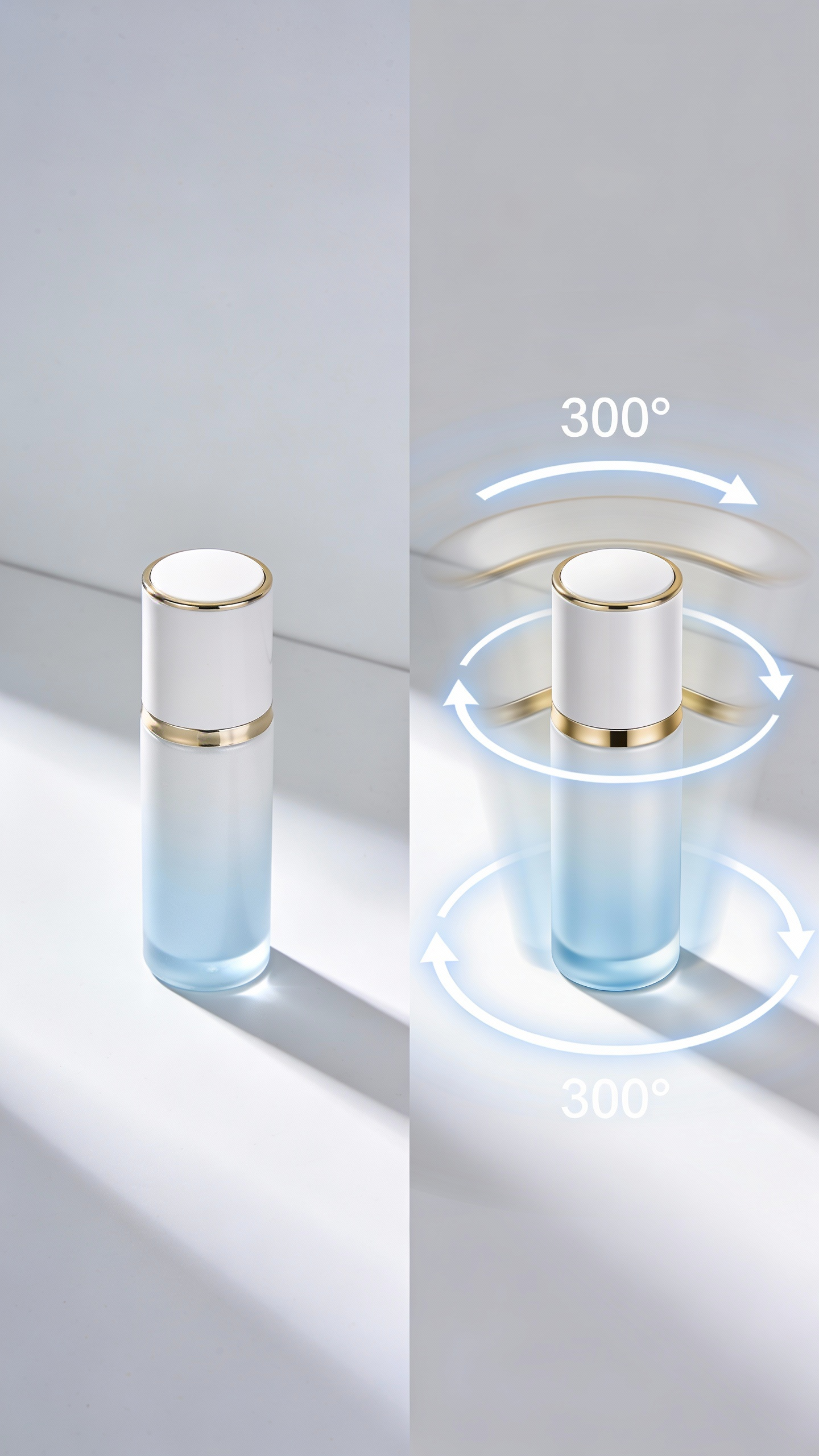
Product demo — Spin & lighting effects
Pseudo-3D motion for ecommerce & product pages. No reshoots needed.
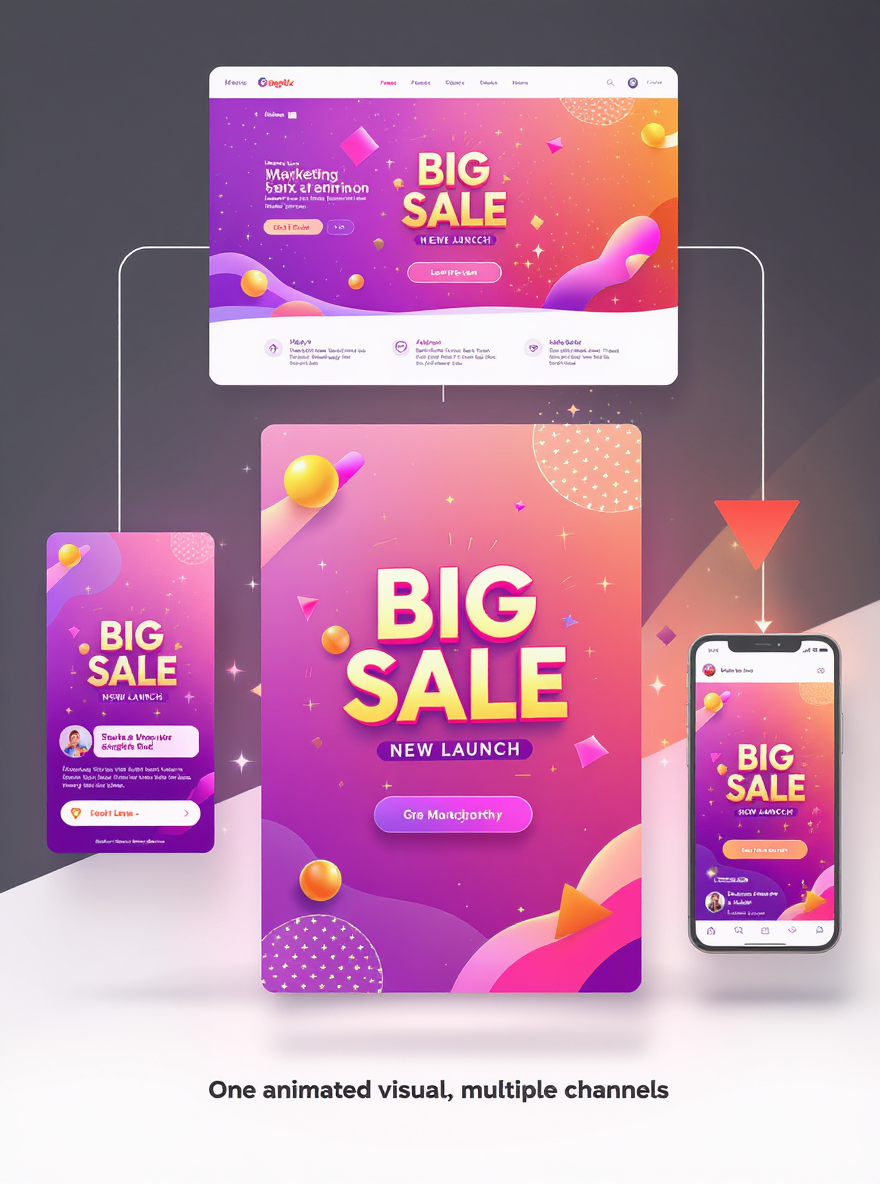
Campaign KV — Multi-channel motion
One animated visual for web banners, social posts, and ads.
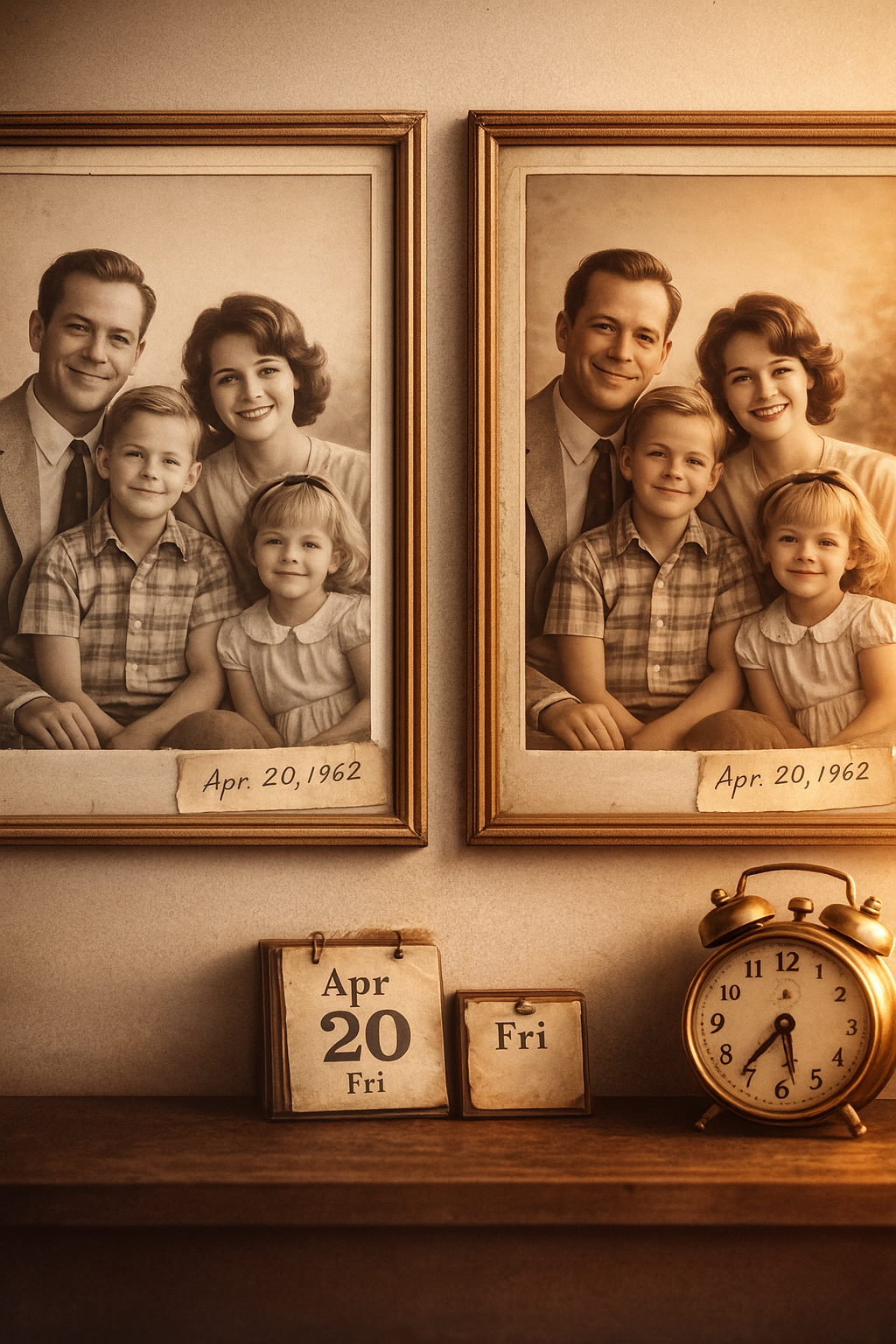
Old-photo revival — Vintage animation
Bring old photos to life for memorial videos and brand stories.
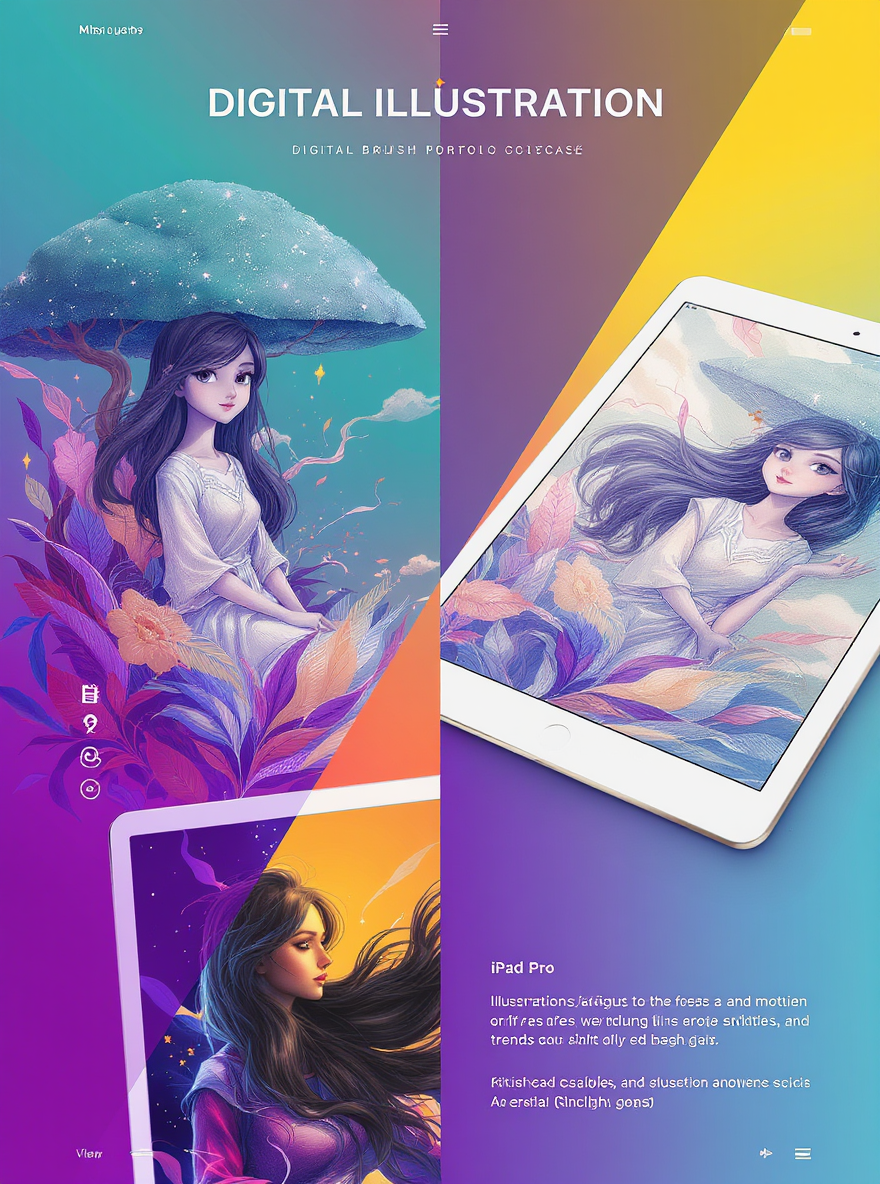
Illustration — Animated artwork covers
Dynamic portfolio displays for illustrators and content creators.
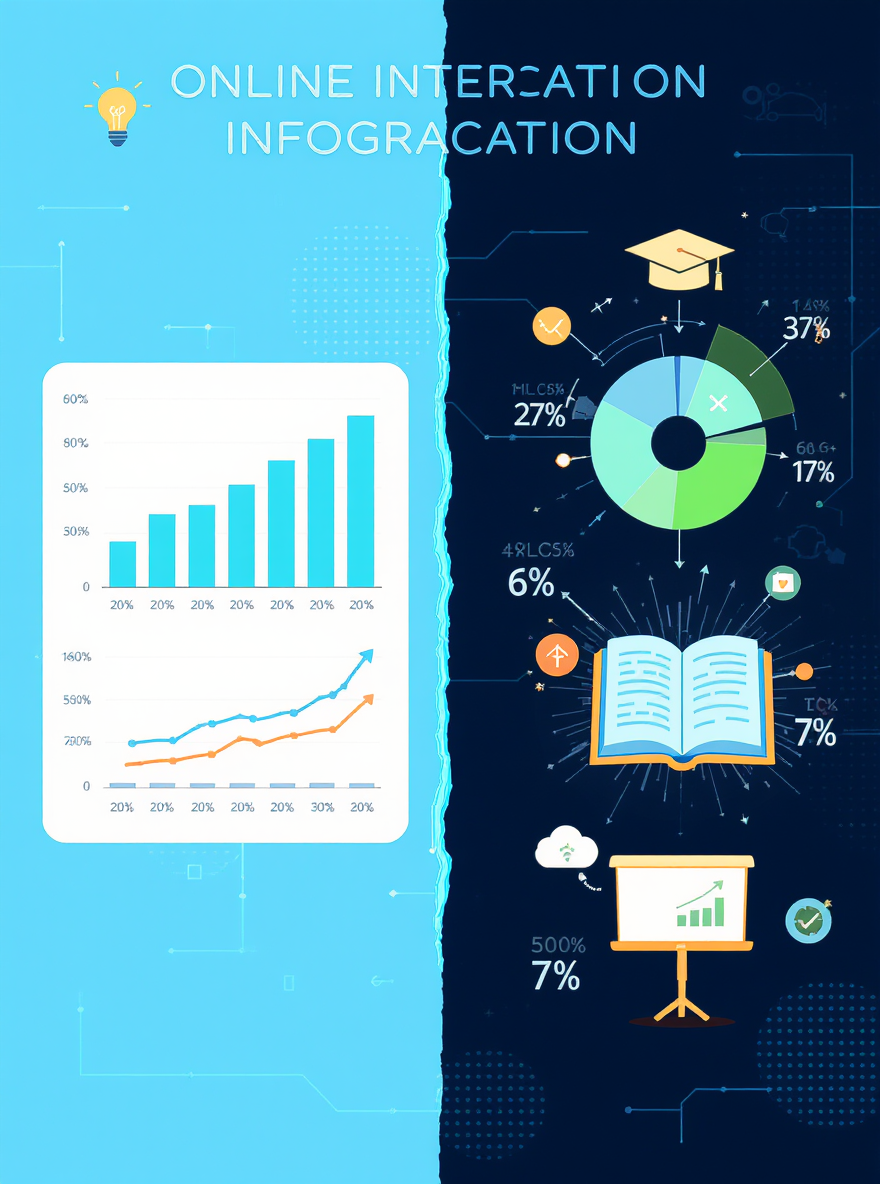
Education — Chart & infographic motion
Animated charts for explainer videos and knowledge content.
Create your first animation today
Bring still photos to life with AI image-to-video in minutes. No plugins, no desktop software—just your browser, a single image, and one prompt.
Animator FAQs
Answers about workflow, outputs, rights, and common uses.