
Image to Prompt — Reverse Prompts from Any Picture Online
Extract structured prompts from images for Stable Diffusion, Flux, or Midjourney. Choose styles, subjects, and negatives; copy with one click to reuse.
Drop a file or click to browse
Max 2 MB for free users, 12 MB for Basic, 20 MB for Pro
Model selection
Select the AI model that best matches your creative style and requirements.
Output language
Match the prompt language to your downstream tooling or team.
No prompt history yet
Generated prompts will appear here along with quick copy actions.
Expand your creative toolkit
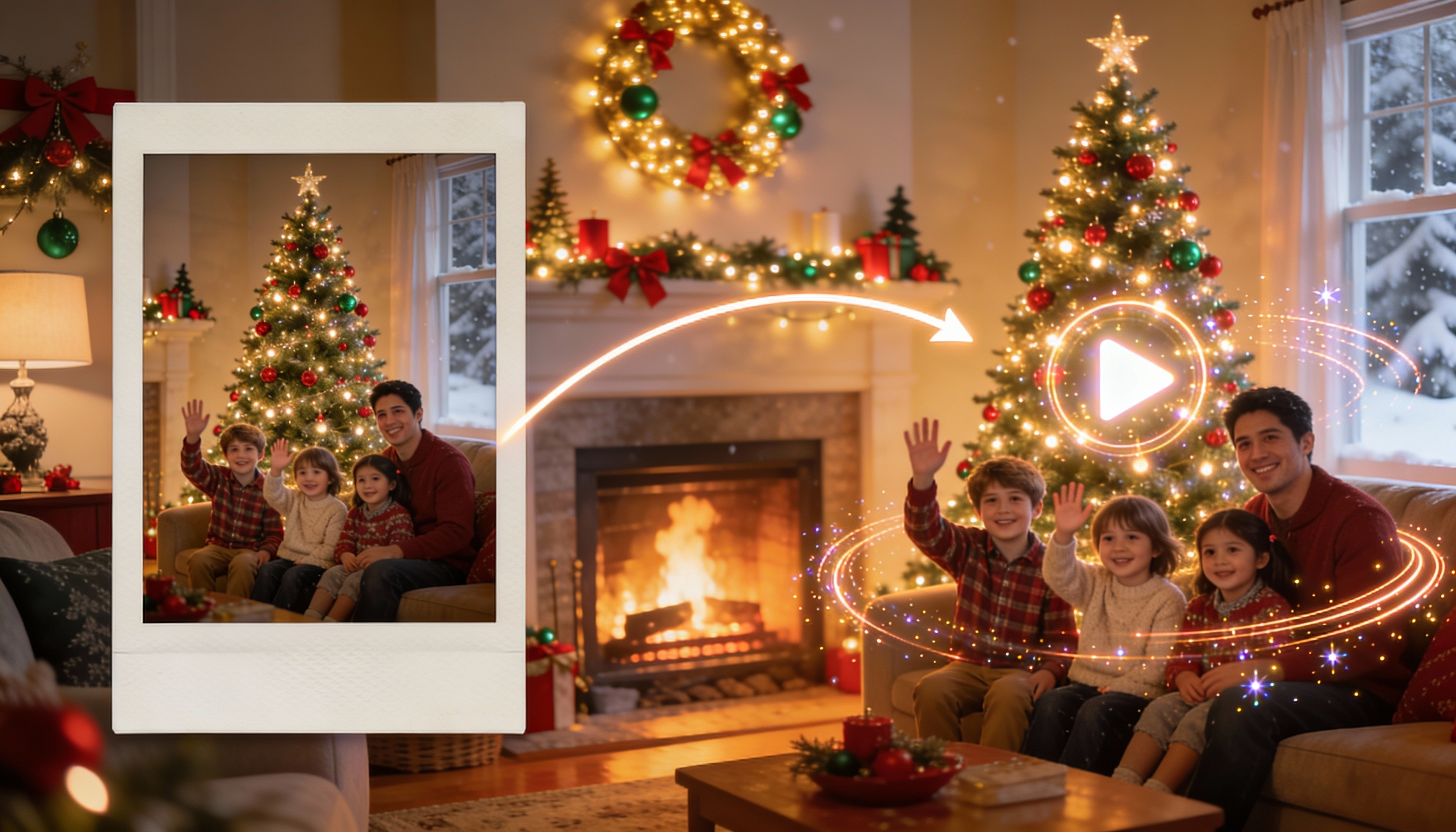
Layer Image to Prompt with other automation blocks to move from approved references to motion quickly.
What is AI Image to Prompt?
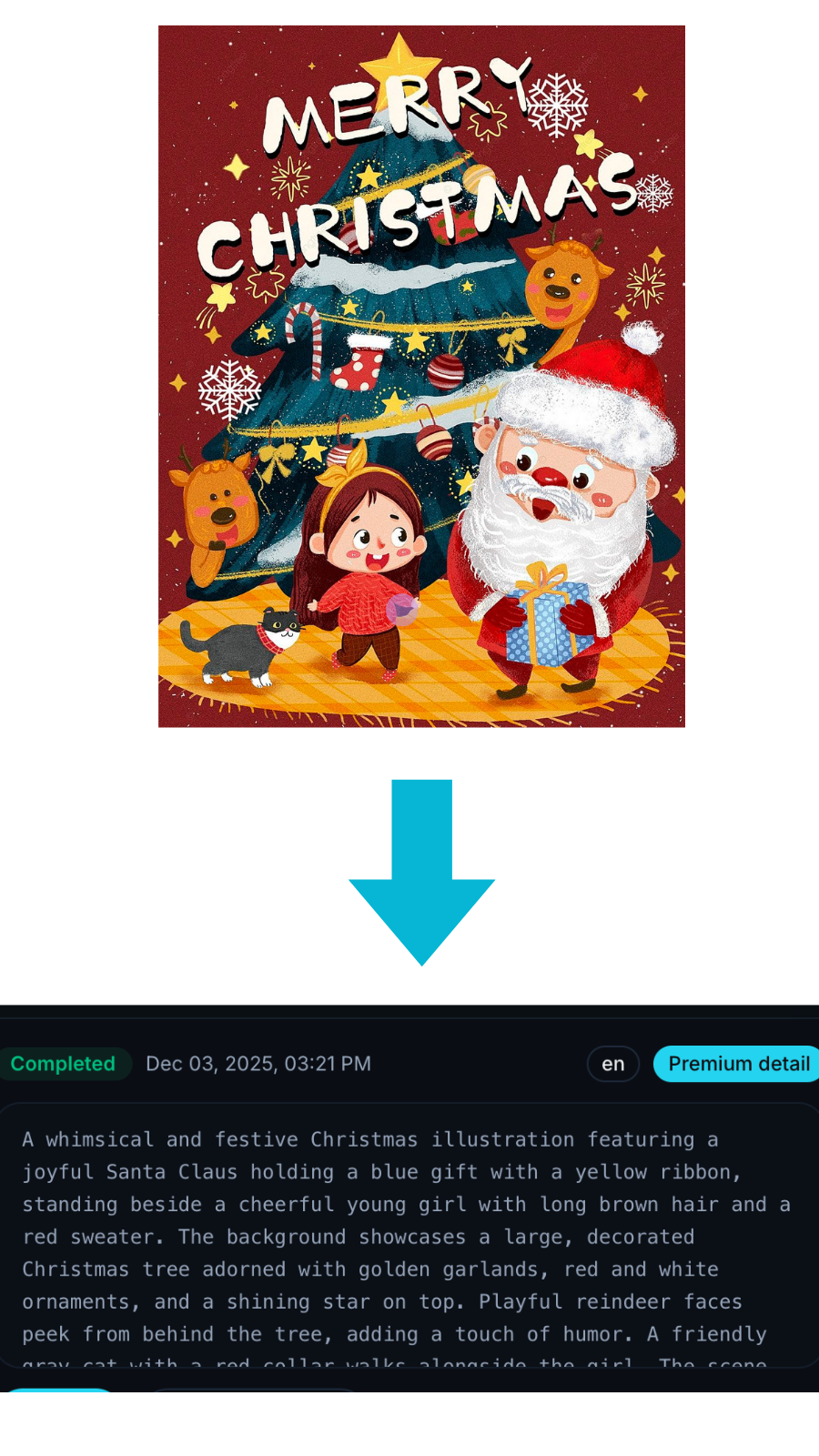
AI Image to Prompt turns reference images into structured prompts you can reuse across tools.
How it works: extract subjects & scene, style & materials, camera/perspective/composition, lighting & color mood, plus negatives—so teams recreate a look consistently and iterate faster. This “reverse prompting” approach complements creative exploration rather than copying pixels exactly.
Brand & campaign alignment – turn approved moodboards into prompt “recipes” so every designer hits the same look.
Social & short-form content – extract style cues from top-performing posts to reproduce a consistent visual language.
E-commerce & product – match lighting/material/camera hints from hero shots for uniform listings.
Art direction & education – deconstruct composition and style to teach or document creative choices.
Motion handoff – feed the extracted prompts into Image Animator to quickly move from reference → moving image. This is “reverse prompting”: it delivers semantic/style proximity, not a pixel-perfect copy—suggestions can vary by model and seed.
How it works
Step 1
Upload an image (JPG/PNG/WebP)
Step 2
Use the default options or choose a target model and output language
Step 3
Copy the prompt and drop it into Image Animator, Midjourney, or your internal workflow
Why choose us
Pro-level models & ecosystem fit
Built on professional models; outputs are tuned for multiple platforms with clear fields that travel well across tools.
Simple & multilingual
One-click copy; freely choose Chinese/English outputs; minimal learning curve.
Stable recreation
Preserve the core subject while using modular blocks (style / camera / lighting / negatives) to improve consistency and hit rate.
More Prompt Examples
Explore real prompts broken into subject, style, camera, lighting, and negatives. Reuse or remix them to match your brand guidelines and speed up delivery.
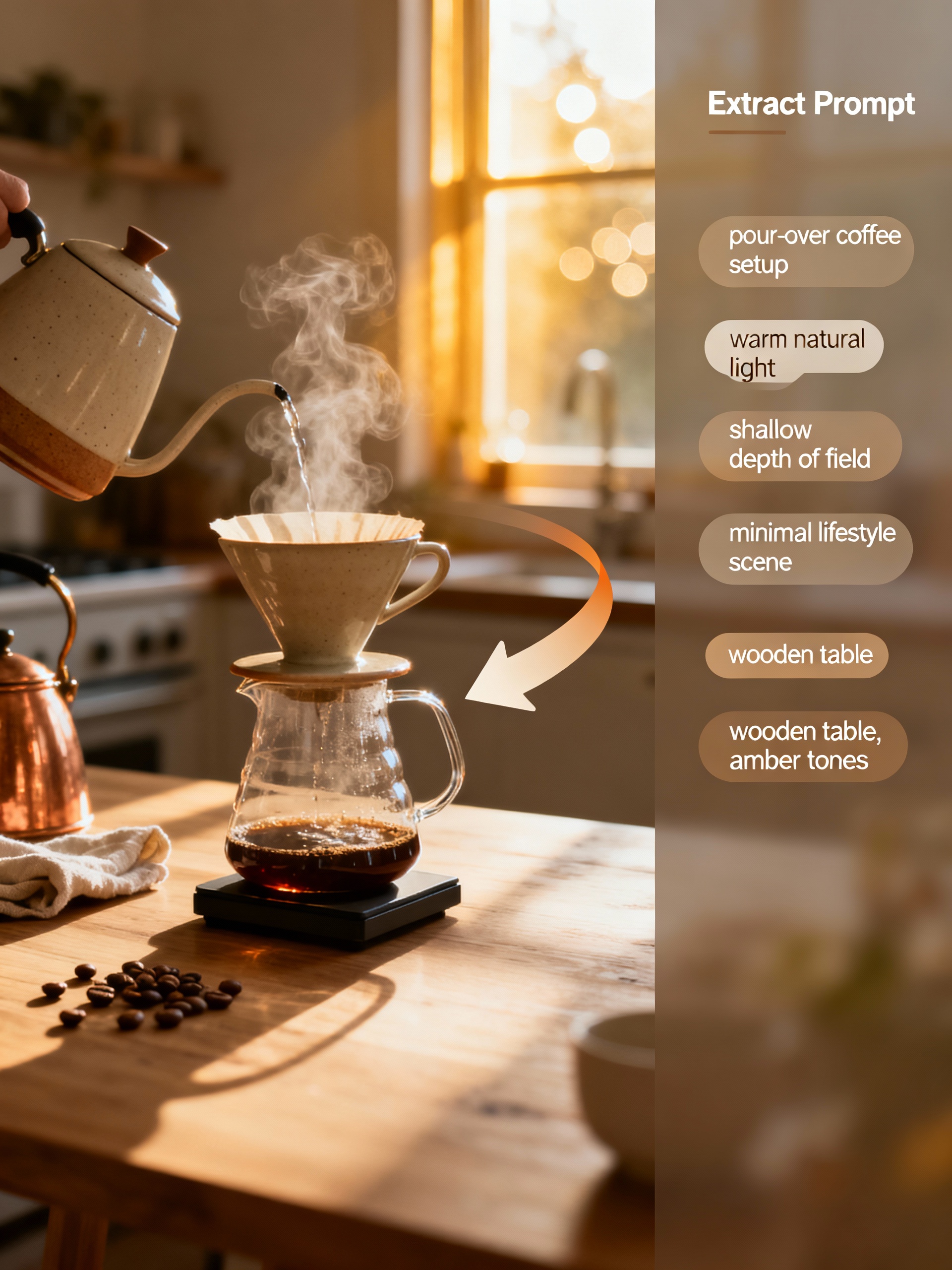
Product hero
Extracted from a DTC coffee brand campaign to extend the look-and-feel into holiday content.

Fashion editorial
Reverse engineered from an editorial fashion shoot to drive seasonal look-book renders.

Anime key art
Pulled from an anime-style poster so the team could expand into motion teasers.
Start extracting image prompts now
Keep clients aligned with clean, shareable prompt recipes for every deliverable.